

How Mimoto Works
Short answer: Mimoto starts with a supported message source, reconstructs the useful conversation structure, and produces reports and exports for review.
How Mimoto looks in practice
What data does Mimoto read?
Mimoto starts with a supported message source, reconstructs the useful structure locally, and turns that history into outputs a person can actually review.
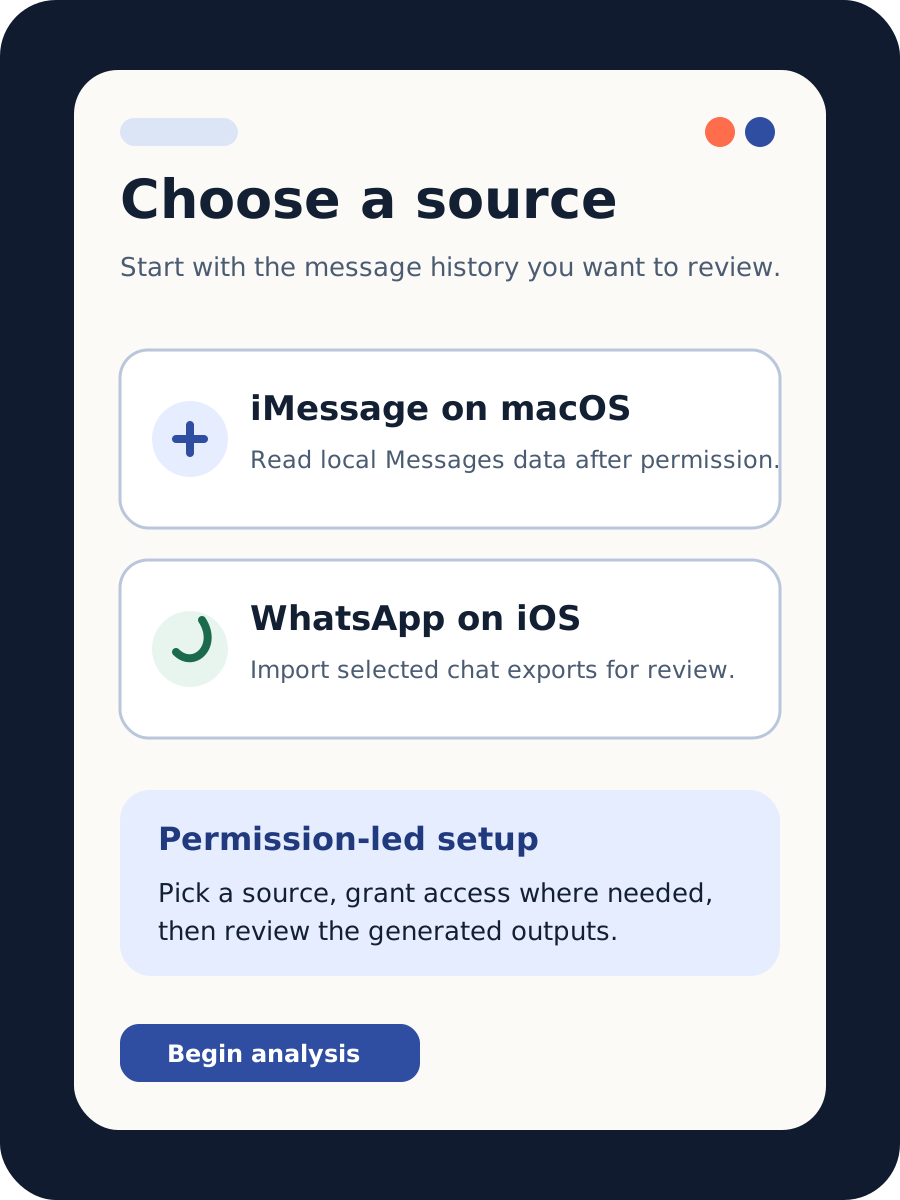
Mimoto supports two ingestion flows:
- iMessage on macOS: reads local Apple Messages data from
chat.dbafter folder access is granted. This path analyzes your full available iMessage history. - WhatsApp on iOS: uses an iOS-specific import flow based on user-selected WhatsApp chat exports. This is a selective, chat-by-chat workflow (including WhatsApp multi-export steps).
The ingestion steps differ by platform, but both feed into the same report and export workflow.
What is the trust boundary?
Message-content analysis stays local. For the full privacy explanation, see Privacy, trust, and architecture.
Is Mimoto only about conversations?
Conversations are the current product focus. For the broader category framing, see Why Personal Insight Engines matter now.
What reports and exports are included?
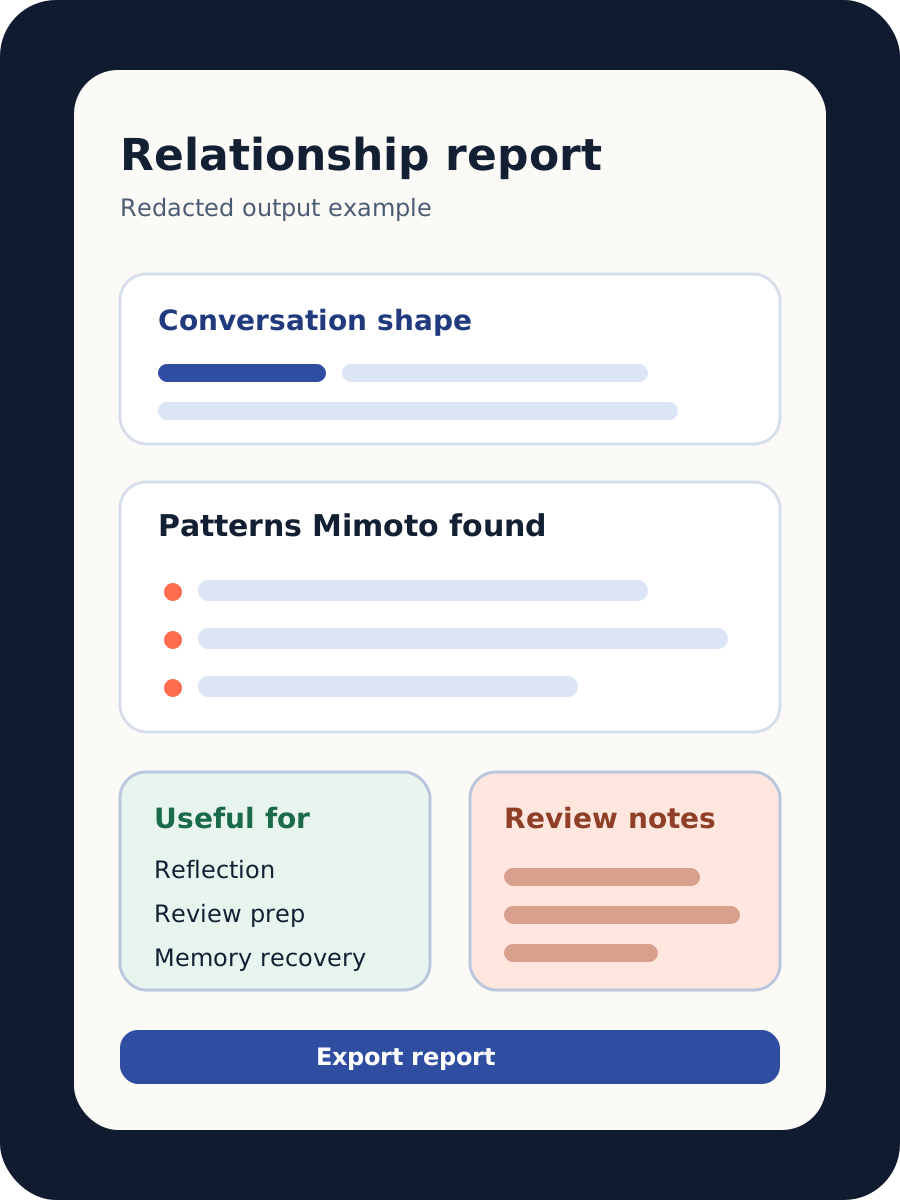
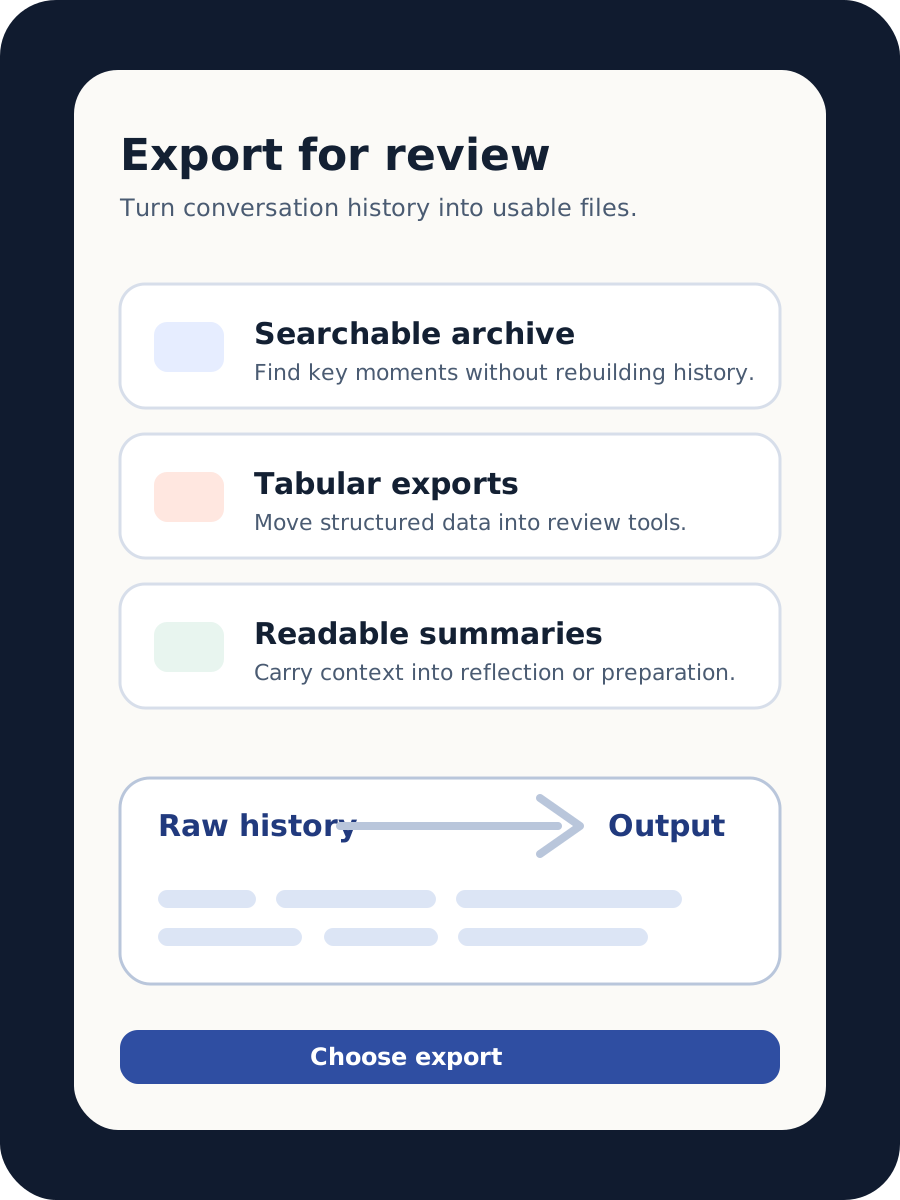
Mimoto can generate readable reports, pattern summaries, and searchable exports for follow-up review.
- Human-readable relationship reports
- Structured exports for tabular tools
- Timeline-oriented conversation views
- Redacted or shareable outputs where supported by the current app path
See also: Export iMessages into a searchable file, FAQ.
What does the output look like?
The product examples above show the three core surfaces: source selection, a redacted report, and export choices. They are designed to show the shape of the experience without exposing real conversation content.
Raw history to useful output
The practical value is the translation layer: instead of forcing users to rebuild context from thousands of individual messages, Mimoto organizes supported history into reports, patterns, timelines, and exports.
This is useful for people who want to reflect on a relationship, recover context from a long conversation, prepare structured notes, or keep a searchable record.
Why is iMessage analysis harder than it looks?
iMessage history is not stored as one clean transcript file. It is split across multiple structures, with sender mapping, time normalization, and attachment context requiring careful reconstruction before meaningful analysis is possible.
Why can’t iMessage be analyzed directly on iOS?
iOS does not provide direct access to chat.db, so iMessage analysis requires the macOS path where that database can be accessed locally with user permission.
Are features consistent across platforms?
Most analysis features and scoring logic are shared across iMessage/macOS and WhatsApp/iOS because both apps use the same business-logic layer. A key difference today is that macOS can display images inside message history, while iOS currently does not.
How do I start with iMessage on macOS in 3 steps?
- Install/open Mimoto on macOS and choose the iMessage path.
- Grant access to your Messages folder and Contacts so Mimoto can read
chat.dband map identifiers to names. - Run analysis, then review reports and export CSV/PNG/JSON outputs as needed.
How do I start with WhatsApp on iOS in 3 steps?
- Install/open Mimoto on iOS and choose the WhatsApp path.
- Export the specific WhatsApp chat(s) you want analyzed (chat-by-chat, or using WhatsApp multi-export steps).
- Import those exports into Mimoto, then review reports and export outputs.
When is Mimoto useful?
Mimoto is useful when users want reflection, relationship review, personal documentation, or serious preparation workflows from supported message history.
Not a fit
Mimoto is not designed as a general chatbot, a cloud collaboration analytics suite, or a surveillance product.